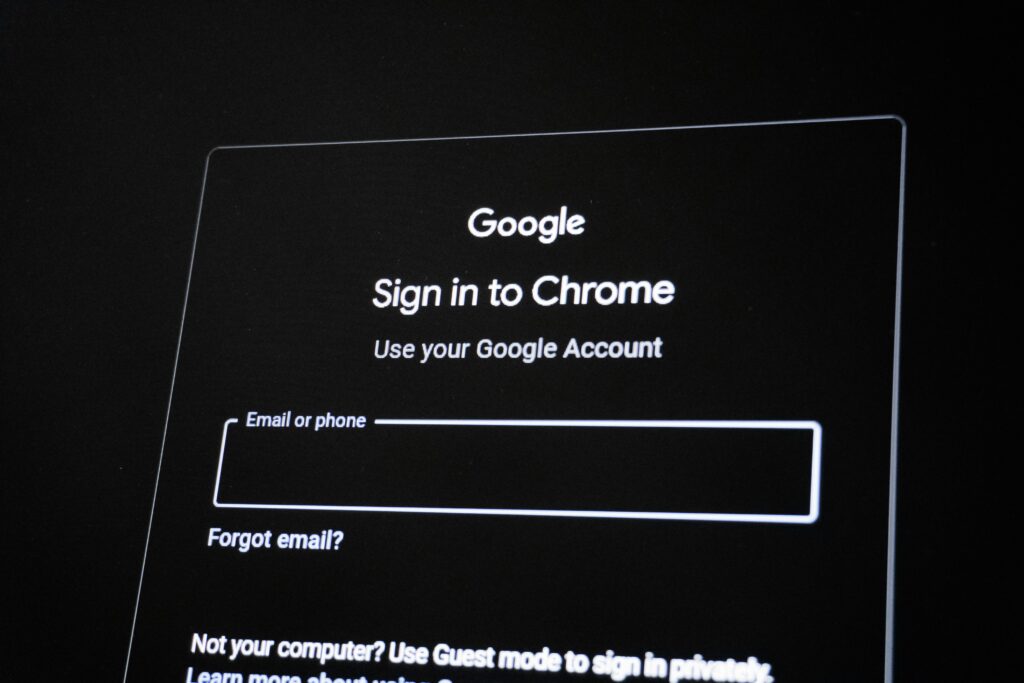
If you have an ‘easthillanimalhospital.com‘ or ‘pensacolapets.com‘ email address please change your password using the link below, unless you have a strong password,
the password may not contain any dictionary word or numbers in sequence and your new password must be at least one capital letter one lowercase letter one number one symbol and at least eight characters long – https://myaccount.google.com/ click on Security then look for the options to change password.
Change your ‘ehahstaff.com’ email password
- Log into your Webmail account.
- If you see the orange CP logo on the left column, click it
- Click on your email address or username in the top-right corner of the interface.
- Select Password & Security from the dropdown menu.
- Enter your New Password and re-type it in the Confirm New Password field.
- Click the Save button
Click this link to learn about strong passwords:
https://support.google.com/accounts/answer/32040?hl=en&visit_id=638830223500934459-2908040125&rd=1